
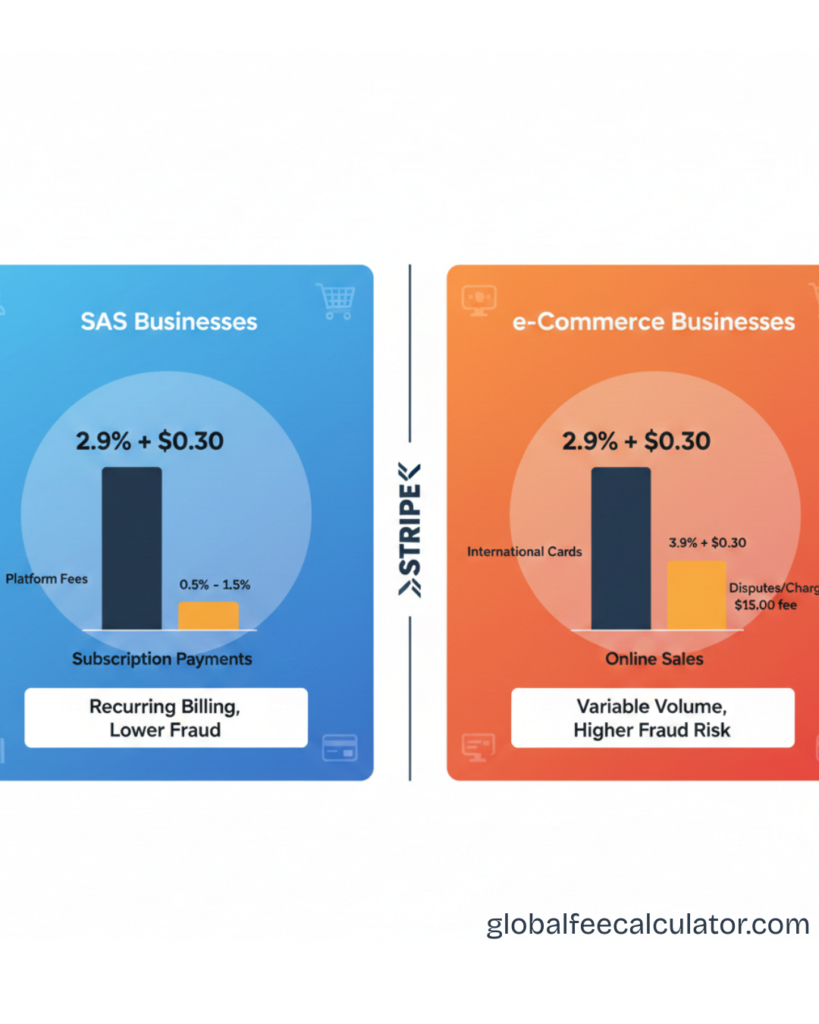
Stripe is one of the most popular payment processors for both SaaS (Software-as-a-Service) and eCommerce businesses because it’s developer-friendly, scalable, and globally supported. But even though both types of businesses may use Stripe, the way fees impact them differs significantly based on their revenue model. Understanding the nuances of Stripe fees for SaaS vs eCommerce businesses helps you price correctly, forecast revenue, and protect margins.
While Stripe’s pricing sounds simple at first glance (e.g., “2.9% + 30¢”), real costs can be more complex once you factor in things like subscription billing, refunds, lifecycle churn, recurring billing failures, and transaction volume patterns. This article breaks those differences down clearly so you can calculate your true cost of processing payments depending on how you sell.
Use our free Stripe Fee Calculator to see your exact costs
Table of Contents
ToggleHow Stripe Fees Work (Core Principles)
Stripe charges processing fees on every successful transaction. For most U.S. online card payments, the sticker price is:
-
2.9% + $0.30 per successful charge
-
International and currency conversion fees may apply
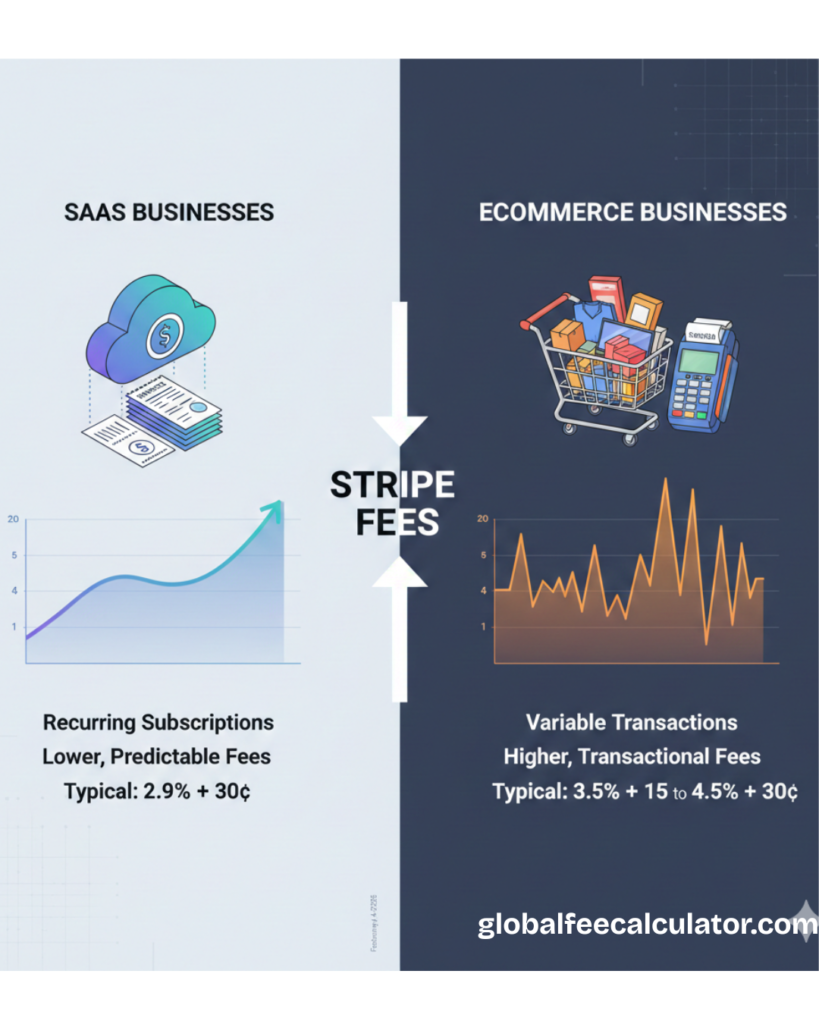
These fees are the same whether you’re selling a physical product or billing for a recurring subscription. What differs is how frequently those fees are applied and how business models influence the effective cost over time.
SaaS Businesses: Fee Characteristics and Examples
Subscription Structure
SaaS businesses typically bill customers:
Monthly or annually
With automatic recurring payments
This means Stripe fees hit every billing period, not just the initial purchase.
How Recurring Billing Affects Fees
Example:
Monthly subscription price: $20
Stripe fee: 2.9% + $0.30
Fee per month: $0.58
Annual revenue per customer: $240
Total Stripe fees per year (assuming successful billing every month): $6.96
Multiply this by hundreds or thousands of subscribers and fees become a predictable recurring cost.
Failed Payment Retries
When card renewals fail (expired cards or insufficient funds), SaaS businesses often:
Attempt multiple retries
Use Stripe’s smart retry logic
Each retry is a transaction attempt that may incur additional fees if successful. This shows how churn mechanics and billing retries can increase effective costs.
Billing Complexity and Metered Fees
Some SaaS businesses have:
Tiered usage pricing
Add-ons
Metered billing
Each charge potentially triggers a Stripe fee. The more granular your billing, the more times fees hit.
SaaS Profit Impact
SaaS businesses often have:
Long customer lifetimes
Predictable churn
Recurring revenue
These characteristics make accurate fee forecasting essential—especially if subscription prices are low or churn is high.
eCommerce Businesses: Fee Characteristics and Examples
One-Time Purchases
Most eCommerce transactions are one-off purchases for:
-
Physical products
-
Digital goods
-
Services sold online
This means Stripe fees apply once per sale.
Example:
-
Sale price: $100
-
Stripe fee: 2.9% + $0.30 = $3.20
-
Net revenue before other costs: $96.80
Unlike SaaS, fees don’t repeat periodically unless the customer buys again.
Refunds and Returns
Returns are common in eCommerce. When you refund a charge:
-
Stripe usually does not refund the fixed $0.30 fee
-
The percentage portion may or may not be returned depending on your region and policy at the time
This means refunds can create higher effective fees relative to revenue.
Chargebacks
With physical products, disputes and chargebacks happen. A chargeback:
-
May incur a flat dispute fee
-
Can result in lost merchandise and lost charge income
-
Often doesn’t refund processing fees
Dispute fees vary by region but typically range in the $15–$20 area.
International Shipping and Cross-Border Fees
If you sell internationally:
-
International card fees apply
-
Currency conversion fees may apply
These add to Stripe costs and are more visible in cross-border sales.
eCommerce Profit Impact
Because most eCommerce revenue comes from one-time sales, fees tend to be more “front-loaded.” However, returns, exchanges, and cross-border sales can increase the effective cost per order over time.
Key Differences: SaaS vs eCommerce Stripe Fees
| Factor | SaaS | eCommerce |
|---|---|---|
| Frequency of charges | Recurring (monthly/annual) | One-time |
| Fee impact | Cumulative over time | Mostly upfront |
| Refund effects | Rare once subscription started | Common due to returns |
| Billing complexity | Higher (usage tiers, retries) | Lower |
| Churn impact | Significant | Less relevant |
| Chargebacks | Moderate | Frequent with physical goods |
Practical Ways to Manage Stripe Fees (Both Models)
1. Increase Average Order or Subscription Value
Larger charges dilute the impact of fixed fees.
-
Bundles (eCommerce)
-
Annual/pre-paid subscriptions (SaaS)
2. Adjust Pricing to Reflect True Costs
Instead of absorbing fees, account for them in pricing strategies—without misleading customers or violating policies.
3. Reduce Refund and Dispute Rates
Clear policies and proactive support help reduce both returns and chargebacks, cutting associated fee losses.
4. Use Smart Billing Strategies (SaaS)
For SaaS:
-
Offer annual plans with incentives
-
Use smart retry features to reduce failed transaction fees
SaaS Annual vs Monthly: Real Fee Comparison
Most SaaS founders know annual plans reduce churn — but they also reduce Stripe fees. Here’s the exact difference:
Scenario: 100 customers on a $20/month plan
| Monthly Billing | Annual Billing | |
|---|---|---|
| Price charged | $20/month | $200/year (2 months free) |
| Transactions per year | 1,200 (100 × 12) | 100 |
| Fee per transaction | 2.9% + $0.30 = $0.88 | 2.9% + $0.30 = $6.10 |
| Total Stripe fees/year | $1,056 | $610 |
| Annual saving | — | $446 saved |
That’s $446 back in your pocket per 100 customers — just by nudging customers toward annual plans. At 1,000 customers, that saving becomes $4,460/year with zero change to your product.
The maths is simple: the fixed $0.30 per transaction hits harder on low-value monthly charges. One annual charge of $200 costs $6.10. Twelve monthly charges of $20 cost $10.56 total — 73% more in fees for the same revenue.
Calculate your exact saving: Use our Stripe Fee Calculator — enter your subscription price and see the fee difference between monthly and annual billing instantly.
For a full breakdown of how Stripe calculates fees, see our guide: How Stripe Fees Work
Recommended Tools to Manage and Compare Fees
Use our free Stripe Fee Calculator to model both one-time and recurring transaction costs instantly — no sign-up required.
Final Summary
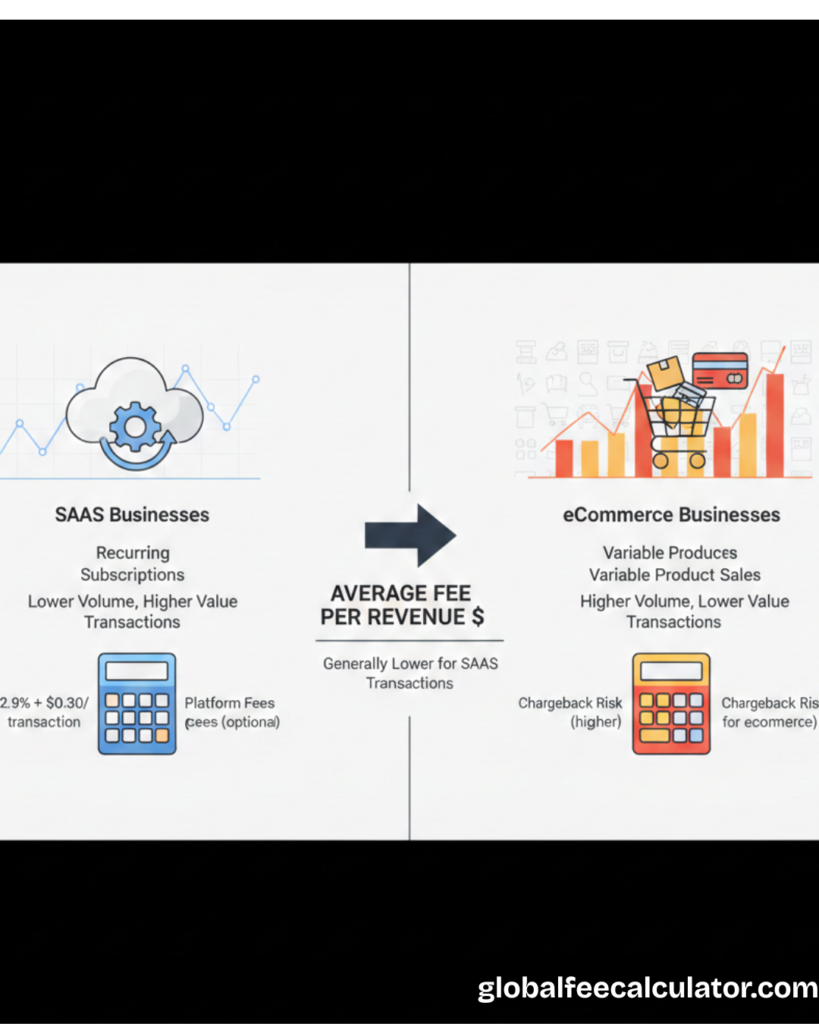
Stripe provides powerful payment infrastructure for both SaaS and eCommerce businesses, but the way fees affect each model is different:
-
SaaS businesses pay fees repeatedly over time and must account for churn, retries, and subscription complexity.
-
eCommerce businesses pay fees on each sale, with refunds and international costs influencing final margins.
Understanding these differences helps businesses price rightly, forecast responsibly, and protect profit rather than guessing costs.
Frequently Asked Questions (FAQs)
1. Do SaaS and eCommerce pay the same Stripe fees?
Yes—they start with the same fee structure—but how often those fees apply differs.
2. Which model pays more in fees overall?
It depends: SaaS pays fees repeatedly over time; eCommerce pays once per sale.
3. Do refunds affect SaaS fees?
Refunds are less common in SaaS but can still cost you the fixed fee.
4. Do recurring retries cost extra?
Yes—each successful retry incurs a fee.
5. Are chargebacks more common in eCommerce?
Typically yes, especially with physical goods.
6. Does international selling increase Stripe fees?
Yes—additional international and conversion fees usually apply.
7. Should SaaS charge more for global customers?
Adjusting prices based on region can help cover additional costs.
8. Are annual plans better for SaaS fee efficiency?
Yes—fewer transactions generally mean lower total fees over time.
9. Should low-priced eCommerce items be bundled?
Bundling reduces the effective fee percentage of fixed fees.
10. What’s the best way to calculate Stripe fees?
Use a dedicated fee calculator to test pricing before launching or scaling.
Recommendation:
Always verify details directly on the official company website before making any business or financial decision.